How do I get a local SIM card for my phone in Turkey?

Post ByAdequate Travel
Summary
If you are travelling to Turkey and would like to have a reliable connection, getting a local SIM card for your phone is the best option. In this blog, we will discuss how you can get a local SIM card in Turkey for your phone. While planning your trip, take note of any travel restrictions that may impact your itinerary, such as limited access to certain regions or attractions.Getting a Local SIM Card in Turkey
Here is a step-by-step guide on how to get a local SIM card for your phone in Turkey:
Step 1: Check Your Phone's Compatibility
Make sure your phone is unlocked and compatible with Turkish networks. Most modern smartphones are usually compatible, but it's always best to check with your phone manufacturer or mobile carrier.
Step 2: Choose a Mobile Network Operator
Research and choose a preferred mobile network operator in Turkey. Some popular options include Turkcell, Vodafone, and Turk Telekom. Consider factors such as coverage, data plans, and available packages.
Step 3: Visit a Mobile Network Operator Store
Locate a store or authorized dealer of the chosen mobile network operator. You can find these stores in shopping malls, city centers, and airports, or you can look up their websites for store locators.
Step 4: Bring Necessary Documents
When visiting the store, ensure you have the following documents:
- Passport or identification
- Proof of address (optional, but some operators may require it)
Step 5: Select and Purchase a SIM Card
At the store, inform the representative of your intention to purchase a local SIM card. They will guide you through the available options and help you select a suitable plan based on your needs. Pay for the chosen plan, which typically includes both talk time and data.
Step 6: Register the SIM Card
In accordance with Turkish regulations, your SIM card will need to be registered. The store representative will assist you in completing the necessary registration process. Usually, they will handle the registration on your behalf using your identification documents.
Step 7: Activate and Insert the SIM Card
Once the registration is complete, the representative will activate the SIM card. They will also provide you with your new phone number. Insert the SIM card into your phone, following the instructions provided by the representative or based on your phone's user manual.
Step 8: Top Up or Recharge
If your chosen plan is not prepaid or if you need to add more credits to your account, the representative will guide you on how to top up or recharge your balance. They will explain the available methods such as online top-up, purchasing vouchers, or using mobile payment services.
Step 9: Enjoy your Local SIM Card
Once your SIM card is activated and you have sufficient credits, you can start using your phone in Turkey with your new local number. Enjoy the benefits of local rates and data packages offered by your chosen mobile network operator.
Note: The exact process may vary slightly depending on the mobile network operator and location.Stay informed about any travel restrictions or travel rules in place, as they may vary depending on your destination within the country.Suggested Questions
- Ulu Cami, Bursa: Horror Story, History & Paranomial Activities
- Zeugma Mosaic Museum, Gaziantep: Horror Story, History & Paranomial Activities
- Alacahoyuk, Corum: Horror Story, History & Paranomial Activities
- Piri Reis Museum, Antalya: Horror Story, History & Paranomial Activities
- Perga Ancient City, Antalya: Horror Story, History & Paranomial Activities
- Silifke Castle, Silifke: Horror Story, History & Paranomial Activities
Questions turkey
You may also like

10 Best Cities in Turkey to Visit | Major Cities in Turkey
Turkey cities are surrounded by eight different European nations, Turkey is a dazzling destination located in Western Asia and a little bit in Southeast Europe. You will see here antiquated landscapes, enriched with staggering Roman vestiges, favored with captivating shorelines, … Continue reading
The post 10 Best Cities in Turkey to Visit | Major Cities in Turkey appeared first on World Tour & Travel Guide, Get Travel Tips, Information, Discover Travel Destination | Adequate Travel.
Read More
The 17 Famous Monuments in Istanbul Turkey | Most Visited Monuments in Istanbul
Istanbul is Turkey’s rich historical land that is appraised for its packed lanes, elaborate architecture, and balloon-filled skies. It is home to a number of world-famous monuments in Istanbul. Ottomans, Romans, and Byzantines all have left a mark in this … Continue reading
The post The 17 Famous Monuments in Istanbul Turkey | Most Visited Monuments in Istanbul appeared first on World Tour & Travel Guide, Get Travel Tips, Information, Discover Travel Destination | Adequate Travel.
Read More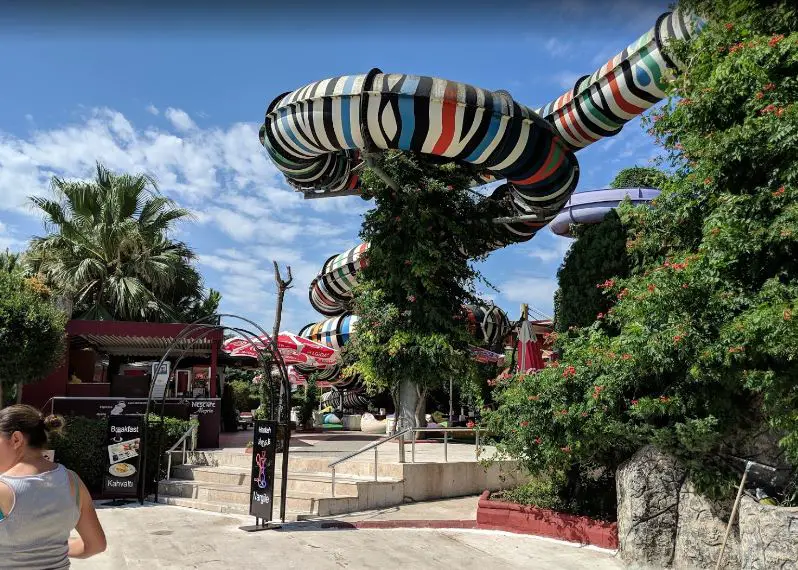
Best Theme Parks in Istanbul Turkey | Popular Amusement Parks in Istanbul
A trip to an amusement park in Istanbul with your family and friends creates one-of-a-kind adventure experiences and memories. It provides you with a unique opportunity to have a laugh or two with entirely new people and interact with each … Continue reading
The post Best Theme Parks in Istanbul Turkey | Popular Amusement Parks in Istanbul appeared first on World Tour & Travel Guide, Get Travel Tips, Information, Discover Travel Destination | Adequate Travel.
Read More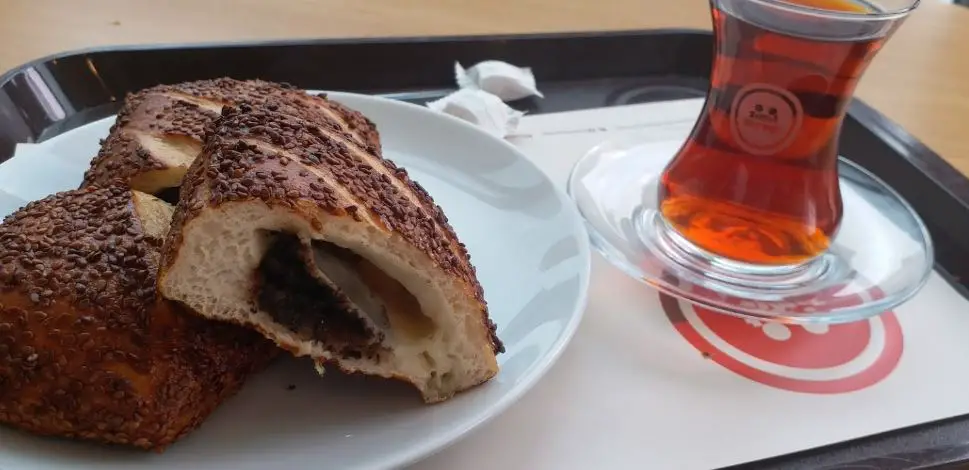
Best Foods to Try in Istanbul Turkey | Popular Foods in Istanbul
Istanbul upholds a very diverse community of people who range from modern European to an old classic Asian. So a plethora of palette is served which ranks among the top foods in Istanbul. You must hold a big appetite to … Continue reading
The post Best Foods to Try in Istanbul Turkey | Popular Foods in Istanbul appeared first on World Tour & Travel Guide, Get Travel Tips, Information, Discover Travel Destination | Adequate Travel.
Read More
Top 10 Restaurants in Istanbul | Best Places to Eat in Istanbul Turkey
Restaurants in Istanbul can range from being exceptionally higher to extraordinarily cheap. So, you have to decide which flavor you want to explore more. As the amount served is never less in Turkish cuisine. They are very connected with their … Continue reading
The post Top 10 Restaurants in Istanbul | Best Places to Eat in Istanbul Turkey appeared first on World Tour & Travel Guide, Get Travel Tips, Information, Discover Travel Destination | Adequate Travel.
Read More
Best Beaches in Istanbul Turkey | Top 10 Beaches in Istanbul
Istanbul is washed up on the shores by the Marmara and Black seas which are linked by the Bosphorus and many small islands. Istanbul’s famous beaches are served with popular seafood and various beach sports in Turkey. Since Istanbul is … Continue reading
The post Best Beaches in Istanbul Turkey | Top 10 Beaches in Istanbul appeared first on World Tour & Travel Guide, Get Travel Tips, Information, Discover Travel Destination | Adequate Travel.
Read More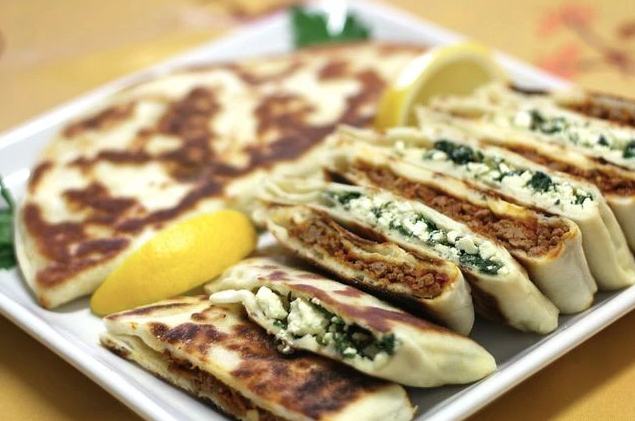
10 Best Foods in Antalya | Famous Foods to Eat in Antalya, Turkey
Antalya is the port city of Turkey that is famous for its refreshing coastlines and the delicious foods they serve. This city is known as the ‘Turquoise Coast’ of Turkey due to its blue waters. There are numerous places here … Continue reading
The post 10 Best Foods in Antalya | Famous Foods to Eat in Antalya, Turkey appeared first on World Tour & Travel Guide, Get Travel Tips, Information, Discover Travel Destination | Adequate Travel.
Read More
Discover What Antalya is Known for? | Why Antalya Turkey is Famous For
Antalya is known as the Turquoise Coast of Turkey due to its fresh blue waters that mesmerize every traveler visiting this port town. Antalya is popular for being the best Roman heritage collector of Western Turkey that sings the ballads … Continue reading
The post Discover What Antalya is Known for? | Why Antalya Turkey is Famous For appeared first on World Tour & Travel Guide, Get Travel Tips, Information, Discover Travel Destination | Adequate Travel.
Read More
What to Buy in Antalya Turkey | Best Things to Buy in Antalya
The ending times of any vacation are always hard especially when you are in Antalya that is considered as the most beautiful city of Turkey, not only because you have to finally return to your boring life again but this … Continue reading
The post What to Buy in Antalya Turkey | Best Things to Buy in Antalya appeared first on World Tour & Travel Guide, Get Travel Tips, Information, Discover Travel Destination | Adequate Travel.
Read More
10 Best Beaches in Antalya Turkey | Famous Beaches to Visit in Antalya
Antalya is the best port city of Turkey that has some of the best historical monuments all laced up near the best beaches in Antalya that embellish every aspect of this city through their refreshing vibes and carefree cultures. You … Continue reading
The post 10 Best Beaches in Antalya Turkey | Famous Beaches to Visit in Antalya appeared first on World Tour & Travel Guide, Get Travel Tips, Information, Discover Travel Destination | Adequate Travel.
Read More